
Streaming services have revolutionized entertainment, but they've also created a frustrating problem: content restrictions. That show everyone's talking about? Not available in your country. Your favorite series disappeared when you traveled abroad. The movie you wanted to watch? Blocked in your region.
A VPN solves this problem by letting you appear to be in a different location. But not all VPNs work well for streaming. In this comprehensive guide, we'll cover everything you need to know about using VPNs for streaming in 2024.
Why You Need a VPN for Streaming
Before diving into VPN recommendations, let's understand why streaming services block content by location and how VPNs help.
The Reality of Geo-Restrictions
Streaming services buy content licenses on a per-country basis. Netflix US has different shows than Netflix UK, which differs from Netflix Japan. This isn't Netflix's choice—it's dictated by content owners who sell rights separately in each region.
Some telling examples:
- Netflix US has approximately 5,800+ titles, while Netflix India has about 5,500+ and Netflix UK around 5,000+.
- HBO Max is only available in certain countries; others must use different platforms for HBO content.
- BBC iPlayer is exclusively for UK residents, despite being free and funded by UK taxpayers.
How VPNs Unlock Content
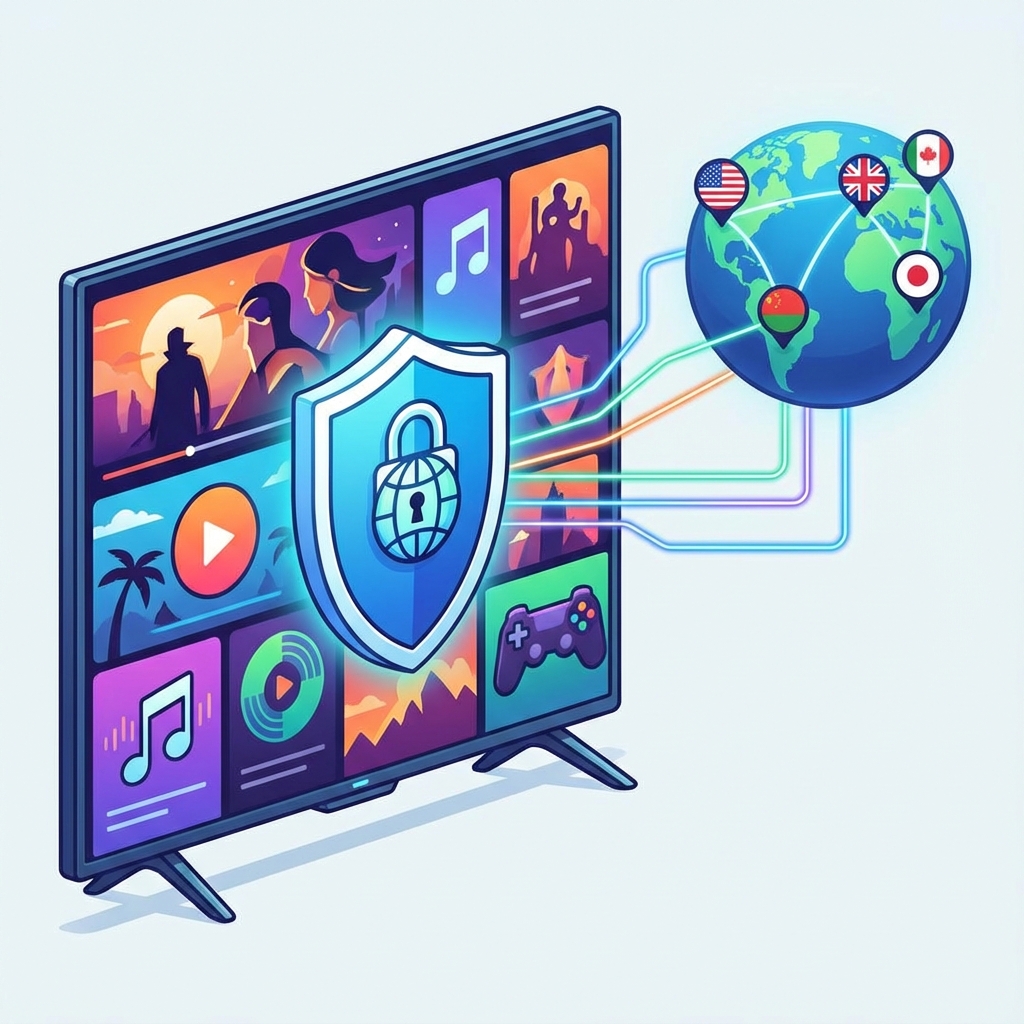
When you connect to a VPN server in another country, you're assigned an IP address from that location. Streaming services see this IP and assume you're physically there, granting access to that region's content library.
The Cat and Mouse Game
Streaming services actively try to block VPN users. They maintain databases of known VPN IP addresses and block access when detected. This is why not every VPN works with every streaming service—VPN providers must constantly update their servers to stay ahead.
What Makes a Great Streaming VPN?
Not all VPNs are equal when it comes to streaming. Here's what to look for:
Consistent Unblocking Ability
The VPN must actually work with your target streaming services. This requires dedicated teams constantly updating server IPs to bypass detection.
Fast Speeds
Streaming in HD requires at least 5 Mbps; 4K requires 25 Mbps or more. Your VPN shouldn't create a bottleneck.
Low Latency
High latency causes buffering. The best streaming VPNs have optimized server infrastructure that minimizes delays.
Server Network
More server locations mean access to more content libraries. But quality matters more than quantity—a few reliable servers in key locations beat hundreds of slow ones.
Smart DNS Feature
Some VPNs offer Smart DNS, which only routes streaming traffic through their servers. This can offer better speeds for devices that can't run VPN apps (like some smart TVs).
Top VPNs for Streaming in 2024
1. Ryn VPN - Best Overall for Streaming
Ryn VPN has emerged as a top choice for streamers, combining excellent speed with reliable access to major platforms.
Streaming Performance:
- Unblocks Netflix in 15+ countries
- Works with Disney+, HBO Max, Amazon Prime
- BBC iPlayer access confirmed
- Optimized servers for streaming
Speeds: Excellent. WireGuard protocol delivers minimal speed loss, typically 10-15%.
Key Features:
- 50+ server locations worldwide
- Dedicated streaming servers
- Unlimited bandwidth
- Works on all major platforms
- Affordable pricing
Best For: Users who want reliable streaming at a budget-friendly price.
2. ExpressVPN - Fast and Reliable
ExpressVPN is known for its speed and extensive server network.
Streaming Performance:
- Works with most major streaming platforms
- Servers in 94 countries
- MediaStreamer DNS feature
Speeds: Very Good. Proprietary Lightway protocol performs well.
Consideration: Higher price than competitors.
3. NordVPN - Feature-Rich
NordVPN offers a balance of features, speed, and streaming capability.
Streaming Performance:
- Unblocks Netflix in many regions
- SmartPlay feature for streaming
- 5,500+ servers in 60 countries
Speeds: Very Good with NordLynx protocol.
4. Surfshark - Budget-Friendly
Surfshark offers good streaming performance at low prices.
Streaming Performance:
- Works with major platforms
- Unlimited simultaneous connections
- Smart DNS included
Speeds: Good, though can vary by server.
How to Use a VPN for Streaming: Step-by-Step
Step 1: Choose Your VPN
Select a VPN known for streaming capability. Ryn VPN offers a free tier to test before committing.
Step 2: Install on Your Device
Download the VPN app for your device:
- Phones/Tablets: App store
- Computers: VPN website or app store
- Smart TVs: May require router installation or Smart DNS
- Streaming sticks: Fire TV and Android TV have VPN apps; Apple TV requires router setup
Step 3: Connect to the Right Server
Choose a server in the country whose content you want to access:
- US server for Netflix US, HBO Max, Hulu
- UK server for BBC iPlayer, Netflix UK
- Japan server for Netflix Japan anime library
Step 4: Open the Streaming App
Launch Netflix, Disney+, or your platform of choice. You should now see that region's content library.
Step 5: Troubleshoot if Needed
If blocked, try:
- Connecting to a different server in the same country
- Clearing browser cookies or app cache
- Using a different VPN protocol
- Contacting VPN support for working server recommendations
Streaming Platform Guide
Netflix
Netflix is notoriously aggressive at blocking VPNs, but top providers stay ahead.
Best Libraries:
- US: Largest English-language library
- UK: Strong selection, different from US
- Japan: Best for anime
- Canada: Good mix of US and international content
Disney+
Disney+ content varies by region, with some content exclusive to specific countries.
Tips:
- US and UK have the most content
- Star content availability varies by region
- Some countries bundle Hulu content within Disney+
HBO Max / Max
HBO's streaming service is only available in limited countries.
Tips:
- Connect to US server for full library
- May need US payment method for new accounts
- Available in some Latin American and European countries
Amazon Prime Video
Prime Video's library varies by country, and your subscription works globally (with restricted content).
Tips:
- US library is most extensive
- UK has different content selection
- Some content is included; some requires additional rental
BBC iPlayer
Free for UK users but blocked elsewhere. Requires connecting to a UK server.
Tips:
- Uses more aggressive VPN detection
- May ask for UK postcode (any valid one works)
- Best for catching up on BBC programming
Hulu
US-only service with live TV option.
Tips:
- Requires US payment method for signup
- Connect to US server
- Great for network TV next-day access
VPN for Streaming on Different Devices
Smart TVs
Most smart TVs don't support VPN apps directly. Options include:
- Smart DNS: Configure in TV network settings
- Router VPN: Run VPN on your router to cover all devices
- Streaming stick: Use a Fire TV or Chromecast with VPN support
Gaming Consoles
PlayStation, Xbox, and Nintendo consoles don't support VPN apps:
- Router method: Set up VPN on your router
- Smart DNS: Configure DNS settings on console
- PC sharing: Share VPN connection from a computer
Streaming Sticks
- Fire TV Stick: VPN apps available in Amazon store, including Ryn VPN
- Chromecast: Requires router VPN or casting from VPN-connected device
- Roku: Limited VPN support; use router method
- Apple TV: Smart DNS or router VPN required
Optimizing VPN for Best Streaming Quality
Get the best streaming experience with these optimization tips:
Choose the Closest Server
The farther the server, the higher the latency. If you're in the UK wanting US content, connect to an East Coast US server rather than West Coast.
Use the Fastest Protocol
WireGuard typically offers the best speeds. If your VPN supports it, use it for streaming.
Wired Over Wireless
Ethernet connections are more stable than WiFi. For best 4K streaming, use a wired connection when possible.
Time Your Viewing
VPN servers can get congested during peak hours. Try streaming during off-peak times for better performance.
Upgrade Your Internet
A VPN can't make your connection faster than your base internet speed. Ensure your plan provides enough bandwidth for 4K streaming.
Legal Considerations
A common question: Is using a VPN for streaming legal?
The Short Answer
Using a VPN is legal in most countries. However, streaming services' Terms of Service often prohibit circumventing geo-restrictions.
What This Means for You
- You're unlikely to face legal action for personal streaming
- Worst case: streaming service could terminate your account
- In practice, services rarely terminate accounts—they just block VPN IPs
Countries Where VPNs Are Restricted
Some countries restrict VPN use. Be aware when traveling to:
- China (approved VPNs only)
- Russia (some VPNs blocked)
- UAE (unlicensed VPNs restricted)
- Iran, North Korea (heavy restrictions)
Troubleshooting Common Streaming Issues
"Streaming Error" or "Proxy Detected"
The streaming service detected your VPN. Try:
- Switch to a different server in the same country
- Clear cookies and cache
- Try a different browser
- Use an incognito/private window
Constant Buffering
Connection is too slow. Try:
- Connect to a closer server
- Switch to WireGuard protocol
- Lower video quality temporarily
- Use a wired connection
Content Not Changing
App cached your old location. Try:
- Log out and log back in
- Clear app data/cache
- Reinstall the streaming app
Conclusion
A good VPN opens up a world of streaming content that would otherwise be unavailable in your region. Whether you want to access US Netflix while traveling, watch BBC iPlayer from outside the UK, or enjoy region-exclusive anime on Japanese Netflix, the right VPN makes it possible.
Ryn VPN delivers the speed, reliability, and server coverage you need for seamless streaming. Download Ryn VPN and start enjoying content from around the world.
Frequently Asked Questions
Will a VPN slow down my streaming?
A good VPN with optimized servers will have minimal impact. Modern protocols like WireGuard often result in only 10-15% speed reduction—usually not noticeable for streaming.
Can I use a free VPN for streaming?
Free VPNs typically have slow speeds, limited servers, and poor streaming support. Most can't reliably unblock major platforms. A budget-friendly premium VPN like Ryn VPN is a better choice.
Do I need a VPN when I'm in my home country?
Not for bypassing geo-restrictions, but a VPN still protects your privacy, secures public WiFi, and prevents ISP throttling of streaming traffic.
Can Netflix ban my account for using a VPN?
While Netflix's Terms of Service technically prohibit circumventing geo-restrictions, they typically just block VPN IPs rather than banning accounts. Account termination for personal use is extremely rare.
Which country's Netflix has the best content?
It depends on preferences. The US has the largest English-language library, the UK has strong British content, and Japan leads in anime. Use a VPN to access multiple libraries.