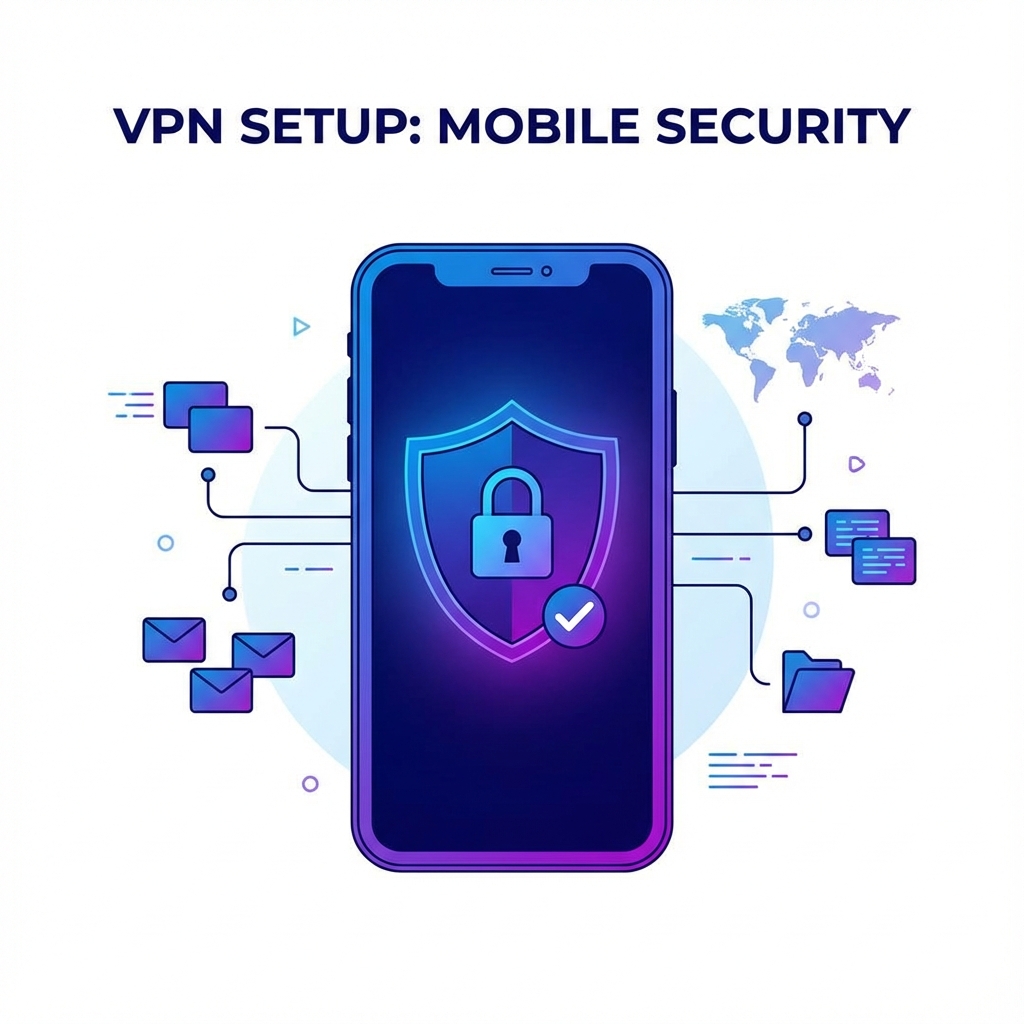


True anonymous browsing requires multiple layers of protection. Here's how to achieve it.
Layers of Anonymous Browsing
1. Use a VPN
Hides your IP address and encrypts traffic. Essential first step.
2. Private Browser
Use Brave, Firefox with privacy settings, or Tor Browser.
3. Block Trackers
Use uBlock Origin and Privacy Badger extensions.
4. Disable JavaScript
For maximum anonymity, disable JS (breaks many sites).
5. Use Private Search
DuckDuckGo, Startpage instead of Google.
What VPN Does
- Hides IP from websites
- Encrypts traffic from ISP
- Prevents location tracking
What VPN Doesn't Do
- Stop browser fingerprinting
- Block cookies/trackers
- Protect against malware
Complete Privacy Stack
VPN + Private Browser + Tracker Blocking + Private Search = Strong anonymity.
Start with Ryn VPN as your foundation.