
Remote work has transformed from a temporary necessity to a permanent fixture of the modern workplace. As of 2024, over 35% of US workers have the option to work remotely, and businesses worldwide have adopted hybrid work models. But with this flexibility comes significant security challenges.
When employees work from home, coffee shops, or while traveling, they're accessing sensitive company data over networks you can't control. A VPN is essential for protecting your business in this new reality.
The Remote Work Security Challenge
Traditional office networks have controlled, monitored security. Remote work changes everything:
Unsecured Home Networks
Home WiFi routers often have:
- Weak or default passwords
- Outdated firmware with security vulnerabilities
- Multiple personal devices sharing the network
- Smart home devices with poor security
Public WiFi Dangers
Coffee shops, airports, and hotels present even greater risks:
- Unencrypted networks allow packet sniffing
- Evil twin attacks mimic legitimate networks
- Man-in-the-middle attacks intercept data
- No control over who shares the network
Data Exposure Risks
Without protection, remote workers may expose:
- Login credentials to company systems
- Customer data and PII
- Financial information
- Proprietary business data
- Internal communications
How VPNs Protect Remote Workers
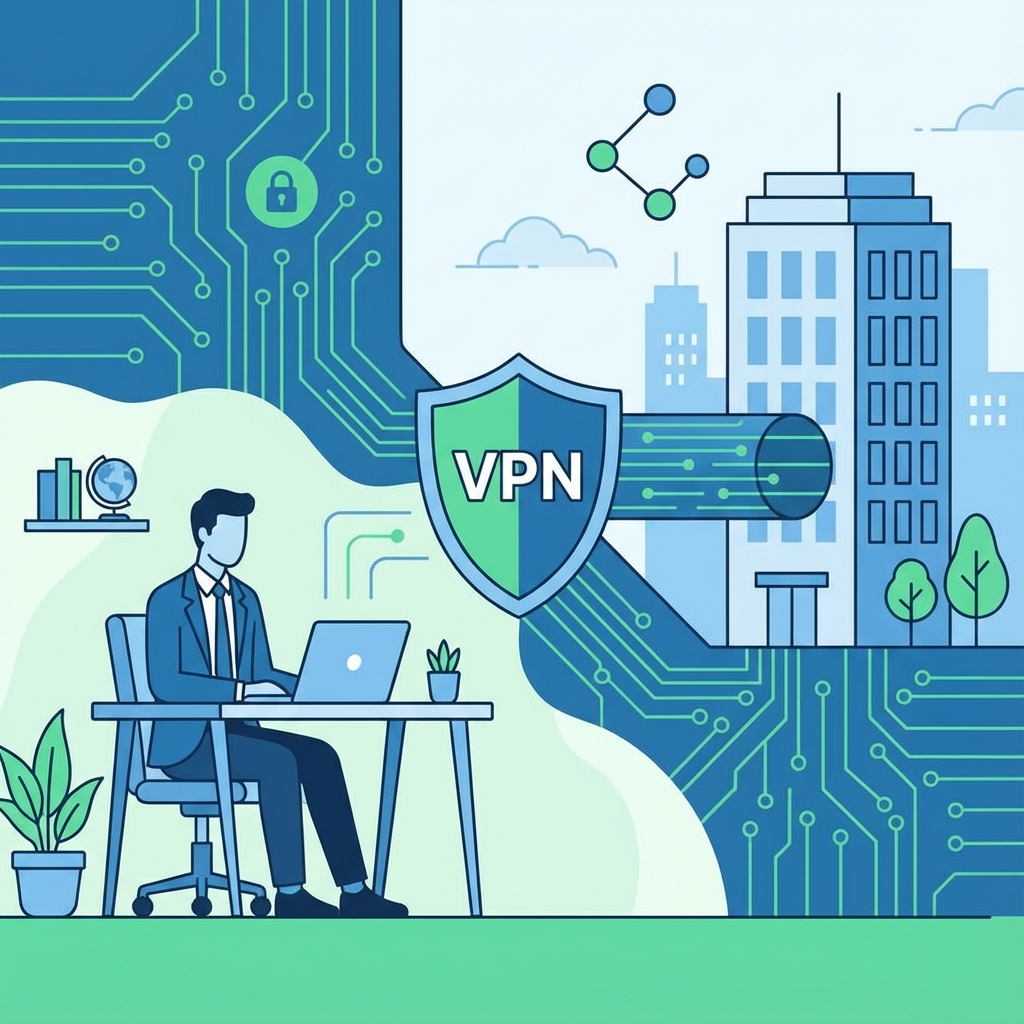
A VPN creates a secure tunnel between remote workers and company resources:
Encryption
All data is encrypted before leaving the employee's device. Even if someone intercepts the traffic on a public network, they see only encrypted gibberish.
Secure Access to Resources
VPNs allow remote workers to access internal systems—file servers, intranets, databases—as if they were in the office, but securely.
Identity Verification
VPN connections require authentication, ensuring only authorized employees access company resources.
IP Masking
Employees' real IP addresses are hidden, reducing the attack surface for targeted attacks.
Types of Business VPN Solutions
Remote Access VPN
The most common type for remote workers. Employees install VPN software on their devices and connect to a VPN server to access company resources.
Best for: Businesses with remote workers accessing central resources.
Site-to-Site VPN
Connects entire networks together. Used when a company has multiple offices that need to share resources securely.
Best for: Companies with multiple physical locations.
Cloud VPN
VPN infrastructure hosted in the cloud. Easier to scale and manage than on-premises solutions.
Best for: Cloud-first businesses, companies without IT infrastructure.
Consumer VPN for Business
Commercial VPN services like Ryn VPN used in business contexts. Simpler to deploy than enterprise solutions.
Best for: Small businesses, freelancers, contractors.
Implementing VPN for Your Business
Step 1: Assess Your Needs
Consider:
- How many employees need VPN access?
- What resources do they need to access?
- Are employees using company or personal devices?
- What's your IT team's capacity for management?
- What's your budget?
Step 2: Choose Your Solution
Enterprise VPN (Cisco AnyConnect, Palo Alto GlobalProtect) for large organizations with dedicated IT teams.
Cloud VPN (Perimeter 81, NordVPN Teams) for scalable, managed solutions.
Commercial VPN (Ryn VPN, ExpressVPN) for small teams and individual remote workers.
Step 3: Deploy and Configure
- Set up VPN accounts for each employee
- Distribute installation instructions
- Configure which resources are accessible
- Enable multi-factor authentication
- Set logging policies
Step 4: Train Your Team
Employees need to understand:
- Why VPN matters for security
- When to connect (always on untrusted networks)
- How to troubleshoot common issues
- What to do if they suspect a breach
Step 5: Monitor and Maintain
- Monitor for unusual access patterns
- Keep VPN software updated
- Review access logs regularly
- Revoke access when employees leave
VPN Best Practices for Remote Teams
Always-On Policies
Require VPN connection whenever employees are working outside the office. Some VPN apps support "always-on" mode that automatically connects.
Split Tunneling Considerations
Split tunneling routes only work traffic through VPN while personal browsing goes direct. Pros: Better speed. Cons: Some traffic unprotected.
Recommendation: Full tunnel for sensitive work; split tunnel may be acceptable for trusted home networks.
Multi-Factor Authentication
Never rely on passwords alone. Require MFA (authentication apps, hardware keys) for VPN connections.
Device Security
VPN protects data in transit but not on the device itself. Ensure:
- Full disk encryption is enabled
- Antivirus/antimalware is installed
- Operating systems are updated
- Screen locks are configured
BYOD Policies
If employees use personal devices (Bring Your Own Device), ensure:
- Minimum security requirements are met
- VPN is installed and properly configured
- Work data is separated from personal data
- Device can be remotely wiped if lost
VPN for Small Business: A Practical Guide
Small businesses often lack dedicated IT staff but still need VPN protection. Here's a practical approach:
For Teams of 1-10
Commercial VPNs like Ryn VPN work well:
- Every team member gets a subscription
- Use shared credentials for business accounts on VPN
- Connect when working with sensitive data
- No server infrastructure to manage
For Teams of 10-50
Consider business VPN plans:
- Centralized management dashboard
- Team billing and account management
- Sometimes dedicated servers
- Priority customer support
For Larger Organizations
Enterprise solutions make sense:
- Custom security policies
- Integration with identity providers
- Detailed logging and compliance
- Dedicated infrastructure
Compliance and VPN
Many regulations require data protection during transmission:
HIPAA (Healthcare)
VPN helps meet requirements for transmitting protected health information (PHI) securely.
PCI-DSS (Payment Card)
Encryption of payment data during transmission is mandated. VPN helps satisfy this requirement.
GDPR (Europe)
Requires "appropriate technical measures" to protect personal data. VPN encryption is considered an appropriate measure.
SOC 2
VPN demonstrates security controls for remote access, often examined during SOC 2 audits.
Common Business VPN Challenges
Speed Concerns
Problem: Employees complain VPN is slow.
Solutions:
- Choose VPN with fast protocols (WireGuard)
- Use split tunneling for non-sensitive traffic
- Select servers closer to users
- Ensure adequate bandwidth
Inconsistent Usage
Problem: Employees forget or choose not to connect.
Solutions:
- Use always-on VPN configuration
- Block sensitive resource access without VPN
- Regular training and reminders
- Monitor and address non-compliance
Technical Issues
Problem: Connection problems frustrate employees.
Solutions:
- Provide clear troubleshooting guides
- Have IT support available
- Choose VPN with good reliability
- Test on various network conditions
Beyond VPN: Complete Remote Security
VPN is essential but not sufficient. A complete remote security strategy includes:
Zero Trust Architecture
"Never trust, always verify." Every access request is authenticated and authorized, not just network entry.
Endpoint Protection
Antivirus, EDR (Endpoint Detection and Response), and device management protect the devices themselves.
Identity and Access Management
Single sign-on, multi-factor authentication, and role-based access control manage who can access what.
Security Awareness Training
Employees are often the weakest link. Regular training on phishing, social engineering, and security best practices is essential.
Secure Collaboration Tools
Use encrypted messaging, secure file sharing, and protected video conferencing.
Conclusion
Remote work is here to stay, and so are the security challenges it brings. A VPN is the foundation of remote work security, encrypting connections and enabling secure access to company resources.
Whether you're a freelancer, small business owner, or enterprise IT manager, there's a VPN solution that fits your needs. The key is to implement it properly, train your team, and integrate it into a broader security strategy.
Ryn VPN provides the security and ease of use that remote teams need. Download Ryn VPN and start protecting your remote work today.
Frequently Asked Questions
Do I need a VPN if I only work from home?
Yes. Home networks are not as secure as you might think, and if you ever work from other locations, you need VPN protection.
Can my employer monitor my VPN usage?
If you're using a company-provided VPN, your employer can likely see which resources you access. Personal VPN usage on personal devices is private.
Is a free VPN good enough for business?
No. Free VPNs often have slow speeds, limited features, and questionable privacy practices. For business use, invest in a reliable paid VPN.
How do I know if my VPN is working?
Check your IP address at a site like whatismyip.com. With VPN connected, you should see the VPN server's IP, not your real one.
Can I use VPN on my work phone?
Yes, and you should. Mobile devices face the same risks as computers when on untrusted networks. Most VPNs have mobile apps.